No Results Found Tools
Achievements, a notebook, desk toys, and the PC sheet for a no-hint mystery.
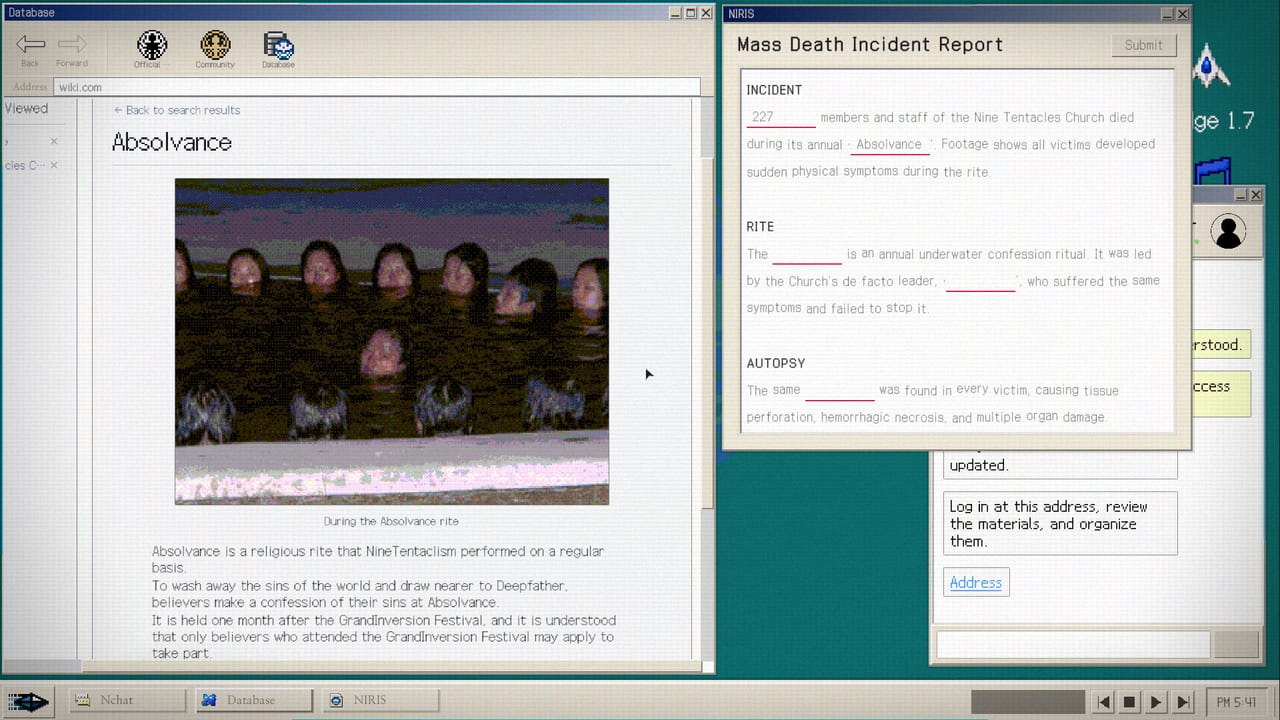
No Results Found does not ship a hint button. These tools are the closest thing this wiki will build: a tracker for the ten Steam achievements, a notebook of surfaces to search, and the actual PC spec sheet so you know the game is a reading problem, not a GPU problem.
Open the Achievement Tracker if you care about Search Addict, Model NIRA Employee, Accuse, Connive, or the DODGE scores. Open the Search Notebook if you keep bouncing on empty queries. Open Desk Music and Memo for Government-Approved Medicine, Write First Think Later, and room-object searches. Open Controls if the screen is wrong on ultrawide or the search field fights you. Full-width freeze and memo paste sit on Typing and IME. Open Known Issues if notes will not save, chats skip, or windowed mode ignores size. Open System Requirements if you want the Windows 10 list plus the post-1.2 Mac flag. Open macOS Notes if Steam just added a Mac depot. Open Steam Deck if your next machine is a handheld; Deck is still unverified. Open Languages if you need the five-language store table, Japanese 1.0.2 fixes, or in-world scripts that are not your UI. Open Content Ratings for regional age labels and the AI column.
What a tool is in this wiki
It is not a damage calculator. There are no builds. There are no codes. A useful tool here is a checklist that matches how the desktop actually works. The achievement list is copied from Steam’s public stats, including hidden names Accuse and Connive and the DODGE thresholds of 1,000 and 2,000. The notebook is a method list: titles, comments, usernames, photos, dates, room objects, wiki lemmas, both spellings. The spec page is the store minimum plus a warning about small UI text and auto-advancing chats. The controls page is the 16:9 and input-field sheet that Patch 1.0.1 made necessary.
Use them beside the guides, not instead of them. How to Search is the essay. The notebook is the card you glance at. How to Beat DODGE is the essay. The tracker is the checkbox. Endings is the essay. Accuse and Connive on the tracker are the reminder that you need two runs for both badges.
How to use the kit in a real session
Before you launch, skim System Requirements so you are not fighting a 720p window. During the public Church scrape, keep the notebook. During the hidden community, keep the notebook and start checking Model NIRA Employee mentally. After the wiki phase, check Closer to the Truth and the fill-in-the-blank warnings on the Walkthrough. After the report, check Accuse or Connive, then decide if DODGE is tonight’s problem.
If you only open one tool, open the notebook. Most Steam frustration in week one is search discipline, not missing RAM.
What these tools will not do
They will not query the in-game index for you. They will not invent a community URL. They will not auto-pause chats. They will not raise your DODGE score. They will not replace Case Files when you forget whether NIRA is the cult or the desk. They will not replace Official Links when you want the Steam page.
They will keep you honest about what Steam already published: ten achievements, two hidden endings, a minigame whose Dodge 1.7 multiplier rose in Patch 1.2, and a free download that still runs on an i3-6100 on Windows and now also launches on Mac.
For the full cleanup order, use the 100 Percent Checklist. When Jungle Game Lab patches the desktop, the Updates Hub is the place that changes. These tools change only if Steam’s achievement text changes. Until then, treat them as stable desk furniture next to the Guides Hub.
Frequently Asked Questions
Quick answers for investigators who just hit a dead search.
Is there a code redeemer?
No. This is a finite single-player mystery. Tools here are achievements, a search checklist, and PC specs.
Which tool should I open first?
The Search Notebook if you are stuck. The Achievement Tracker if you are cleaning 100 percent. Specs if you have not launched yet.
Do the tools spoil the story?
The tracker names Accuse, Connive, and DODGE thresholds. The notebook stays on method. Endings details live on the Endings guide.